
Learn to Read - Readability
Readability Reading TutorEducation
4.6453.00 Reviews
- Version
- 5.17.1
- Installs
- 100.00K
- Age Rating
- Everyone
Screenshots
Our Review of Learn to Read - Readability
 Analysis by Appyee
Before choosing a reading tutor for a child, I’d think about the moments when it will actually be used: at home, between activities, or with an adult nearby to help get things started. Learn to Read - Readability is designed around young readers who need practice, particularly children in the early elementary grades. Its appeal is not just that it puts stories on a screen; it combines reading aloud, comprehension prompts, and guidance that aims to meet a child at an appropriate level. That can make it a useful part of a routine, though I wouldn’t treat any app as a substitute for a teacher, a patient adult, or a book a child wants to read.
When a reading session depends on the connection
Connectivity is worth considering before handing a child a device. Reading apps can involve more than displaying a page: a session may depend on features that listen to a child, respond to their reading, or keep track of learning. For Readability, that makes a reliable connection a sensible part of planning a session. I would open the app and check that the intended activity is ready before settling a child in, rather than discovering a loading delay after they have already lost interest.
This is especially useful if the app is part of a short, scheduled practice window. A parent might have only a few minutes before dinner, or a teacher might be moving between students. I’d avoid making the app the only plan for that moment: keep a familiar printed book nearby so reading can continue if the connection is slow or a feature does not respond as expected. That is not a criticism unique to this app; it is a practical way to avoid turning a minor technical interruption into a reason to stop reading altogether.
Making it work in real family routines
A realistic use case is a child who finds independent reading frustrating but is willing to try a short session with an adult close by. I’d begin by agreeing on a small, manageable goal—one story or one focused practice session—rather than presenting the app as another long assignment. The adult can help with the first few taps, then let the child take over. This keeps the experience child-led without leaving a struggling reader alone when a word, prompt, or instruction causes confusion.
For a caregiver, the most useful role is not to hover over every response. I’d listen for the kinds of words that repeatedly slow the child down, notice whether comprehension questions prompt useful discussion, and then use that observation in the next shared reading session. A tutor app can provide structure, but a parent can add context that software cannot: why a character made a choice, how a story connects to the child’s day, or which book they would like to read next.
Who is likely to benefit—and who may prefer another approach
Readability is aimed at early-grade reading help, so I’d consider it for a child who needs extra practice with reading aloud and understanding stories. It may also suit a busy adult who wants a more guided alternative to handing over a general e-book app. The developer is Readability Reading Tutor, and the education app is free to install, with in-app purchases ranging from $19.99 to $139.99 per item. I’d check the available purchase terms with care before building a long-term routine around it, especially if more than one child will use the device.
It is less likely to be the right fit for a confident older reader who simply wants a large library of books, or for a family looking for a complete classroom curriculum. In those cases, a library app, a printed reading series selected by a teacher, or a broader learning platform may be a better match. A human tutor is also preferable when a child needs an individual explanation, emotional encouragement, or support tailored to a specific learning difficulty. The app can complement those options, but I would not assume it replaces them.
Practical choices for mobile use
On a phone or tablet, the main advantage is that a guided reading session can fit into a routine without carrying a separate learning device. The trade-off is that a small screen and nearby notifications can pull attention away from a story. I’d use a quiet spot, silence unrelated alerts where possible, and position the device so the child can read comfortably rather than bending over it. If a child is sharing a device with siblings, setting aside a predictable turn can also prevent the session from becoming a negotiation.
For a school or family using several devices, I’d establish who is responsible for opening the activity and checking that the right child is practising. That simple habit can prevent a child from starting on the wrong account or losing time to setup. I’d also keep an adult available at the beginning of a session, even if the child is usually independent: a little help with navigation can preserve confidence, while the goal remains letting the child do the reading rather than turning the adult into a constant operator.
What to do when a session gets interrupted
If a story or reading prompt stalls, I would first give the app a moment, then check the connection and reopen the activity if needed. The important thing is to keep the child’s effort separate from the technical hiccup. Instead of saying that the reading has failed, I’d switch to a printed page or ask the child to retell what they remember from the story so far. That preserves the learning moment without pretending a digital tool will always behave perfectly.
It is also worth noticing whether interruptions happen often enough to undermine the routine. If the child is repeatedly waiting for the app rather than reading, I’d move practice to a more reliable time or use a book-based session for that day. A tutor app earns its place by making practice easier to sustain; when connectivity or setup becomes the main event, a simpler alternative is more helpful.
Being thoughtful about data and paid access
Because the app includes features centered on a child’s reading, I’d take a moment to review its settings and purchase flow with the adult who manages the device. I’d keep purchases behind the usual device safeguards and explain to the child that an adult handles any payment decisions. The free install makes it possible to start exploring, but the range of in-app purchase prices means I would not assume that every part of a longer-term plan is included at no cost.
For data-conscious families, I’d avoid beginning a session on a limited mobile connection until I’ve checked how the app behaves in the places where it will be used. A quick trial at home can reveal whether the normal routine feels smooth before relying on it during travel or a school pickup. I would not promise offline access; instead, I’d plan around a connection and keep a book or other familiar reading activity as a backup.
The app is rated for Everyone, which is appropriate for a tool intended for young children, but an adult should still make the first decisions about setup, use, and spending. I’d also keep expectations grounded: practice can support developing skills, but progress depends on the child’s needs, regular use, and the help available around the app. A rating or a progress screen cannot tell a caregiver everything about how a child is experiencing reading.
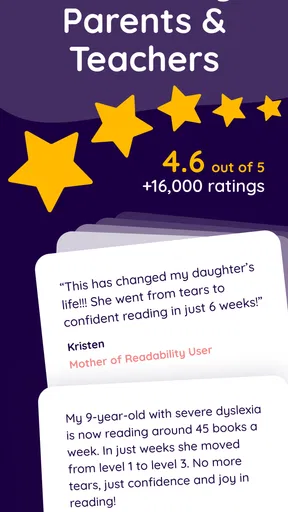
Readability has an average rating of 4.5 from around 2.9 thousand ratings, with 398 written reviews, and has been installed over 100 thousand times. It was released on September 17, 2019, and its current version is 5.13.14, with Android 8.1 as the minimum operating system. Those details help place the app, but I’d make the decision based on whether its guided approach suits the particular child and whether the family can use it comfortably and consistently.
Getting Started with Learn to Read
The first thing I noticed when I downloaded Learn to Read - Readability was its user-friendly interface. Setting it up was a breeze, and I was up and running in no time. The app is designed for children, so navigation is simple and intuitive, which is a big win in my book.
As soon as you dive into the app, you’re greeted with colorful illustrations and a warm, welcoming vibe. It’s like the app whispers, "Hey, learning can be fun!" And honestly, who can resist that?
Features that Stand Out
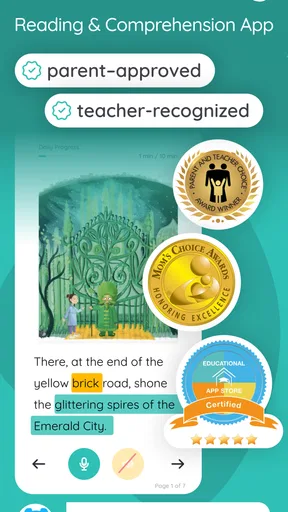
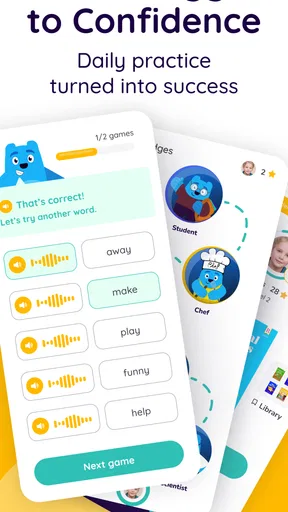
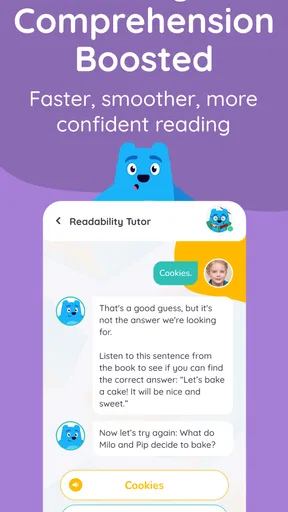
One of the standout features of the app is its interactive reading system. Kids are not just passive listeners; they actively engage with the text. The app asks questions, prompts predictions, and even encourages them to read aloud. This interactive element is critical because it keeps the young ones engaged and interested.
Another feature worth mentioning is the personalized reading plans. The app assesses the child’s reading level and adapts the content accordingly. It’s like having a personal tutor on your phone. Pretty neat, right?
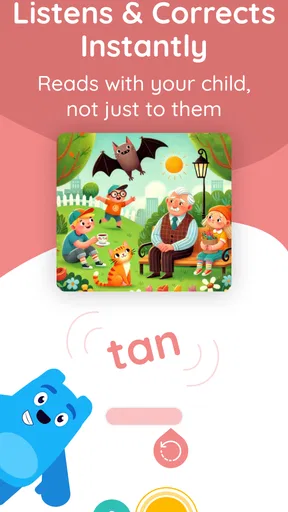
- Voice Recognition: The app uses advanced voice recognition to listen to kids read aloud, providing instant feedback. It’s almost like magic!
- Comprehension Quizzes: After reading a story, kids can take quizzes to test their understanding. It’s a great way to reinforce learning.
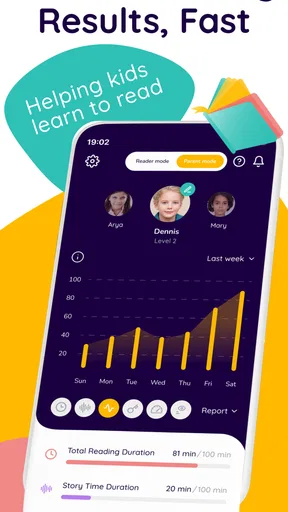
- Progress Tracking: Parents and educators can track progress through detailed reports. This feature is super handy to see how well your little reader is doing.
Why Kids Love It
Let’s face it, getting kids to read can sometimes be like pulling teeth. But Readability makes it fun. The stories are engaging, the illustrations are vibrant, and the app rewards kids with badges and stars for their efforts. It’s a bit like turning reading into a game, and who doesn’t love games?
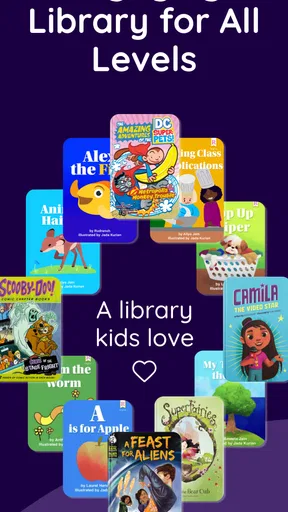
One of my favorite parts is the inclusion of a wide variety of stories. From fairy tales to adventures, there’s something for every budding reader. It’s heartwarming to see kids excited about reading, and this app definitely sparks that joy.
The Learning Curve
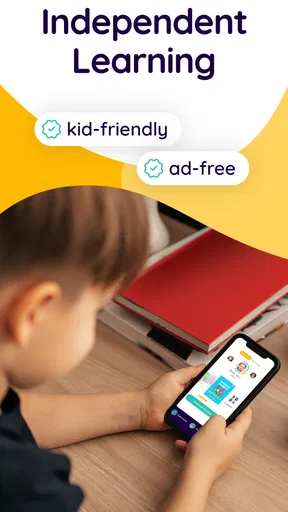
Now, you might be wondering if there’s a steep learning curve. Honestly, there isn’t. The app is designed to be as straightforward as possible. Kids can navigate through it independently, which is fantastic for boosting their confidence and independence in learning.
That said, a little guidance from parents or teachers when starting out can help maximize the app’s potential. Once kids get the hang of it, they’ll be off and running.
Final Thoughts
In a world where screens are often seen as the enemy of education, Learn to Read - Readability turns the tide. It’s a brilliant tool that combines technology with learning in a way that’s both effective and enjoyable. It’s more than just an app; it’s a gateway to a world of reading.
So, if you’re on the hunt for a reading app that’s going to capture your child’s imagination and help them grow as a reader, give this one a shot. You’ll be amazed at how much they’ll love it, and you might just find yourself sneaking a peek at the stories too!
Verdict
Strengths of Learn to Read - Readability
- User-friendly interface enhances learning.
- Engaging content keeps kids interested.
- Adaptive reading levels suit various skills.
- Parental controls for safe usage.
- Offline access supports learning anywhere.
Limitations of Learn to Read - Readability
- Limited free content without subscription.
- Occasional app crashes reported by users.
- Requires regular updates for new features.
- Some users find the voiceovers robotic.
- In-app purchase notifications can be intrusive.
Similar Picks in This Category
View All
Duolingo: Language Lessons
Duolingo4.7

Google Classroom
Google LLC2.8

Unacademy: Learn & Crack Exams
Unacademy3.2

Bible App for Kids
Life.Church4.4

Cake - Learn English & Korean
Cake Corp.4.7

Brainly: AI Homework Helper
Brainly4.5
Frequently Asked Questions
What age group is Learn to Read - Readability suitable for?
Learn to Read - Readability is designed for children aged 4 to 8. The app uses engaging content and interactive tools to help young readers develop essential literacy skills. Its curriculum is tailored to cater to early readers, ensuring an age-appropriate learning experience that encourages progress and confidence.
Does the app require an internet connection to function?
While certain features of Learn to Read - Readability can be accessed offline, such as pre-downloaded reading materials, some interactive components and updates may require an internet connection. It's recommended to have periodic internet access to benefit from the app's full range of resources and updates.
Is parental supervision necessary when using the app?
Parental supervision is recommended but not mandatory. The app is designed to be user-friendly and safe for children. However, parents can enhance the learning experience by guiding their children through the lessons, monitoring progress, and providing encouragement and support as needed.
Are there any in-app purchases or advertisements?
Learn to Read - Readability follows a subscription model, offering a range of features for a monthly fee. It is ad-free, ensuring a distraction-free learning environment. While some basic content might be available for free, unlocking the full curriculum and tools typically requires a subscription.
How does the app track and report a child's progress?
The app includes a comprehensive progress tracking system that records a child's reading achievements and areas for improvement. Parents can access detailed reports that highlight progress, allowing them to adjust learning strategies and celebrate milestones, ensuring a tailored educational experience.
